

5L3.39 Design a table to collect data and display information
Workbooks
Learn how to use a spreadsheet to design a table, collect data and display information.
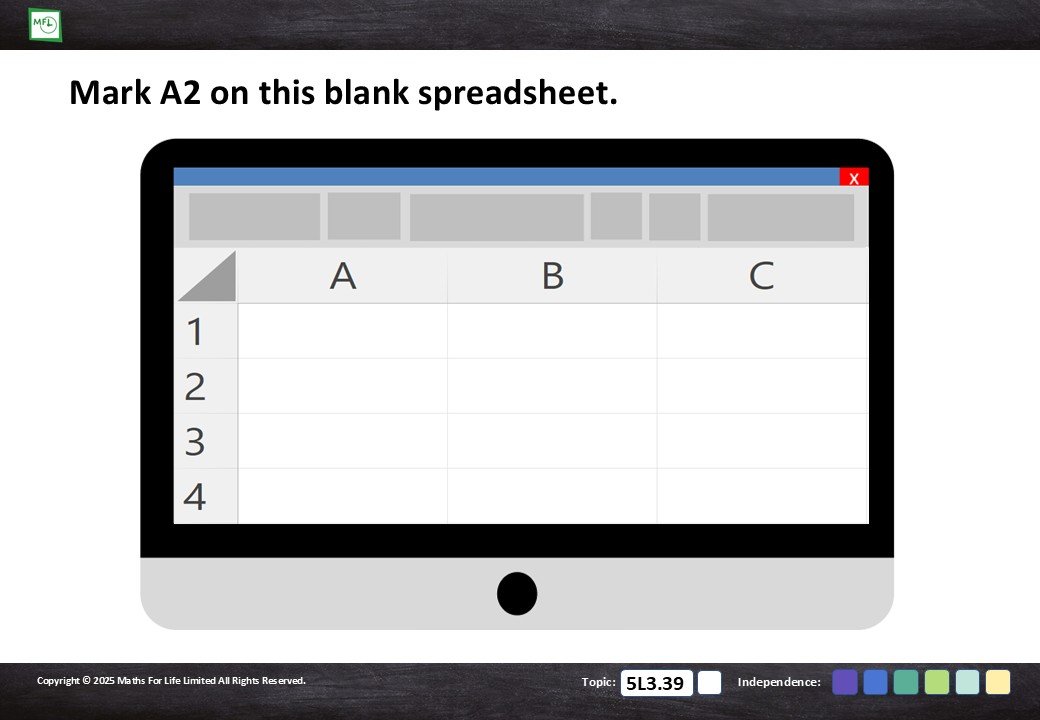
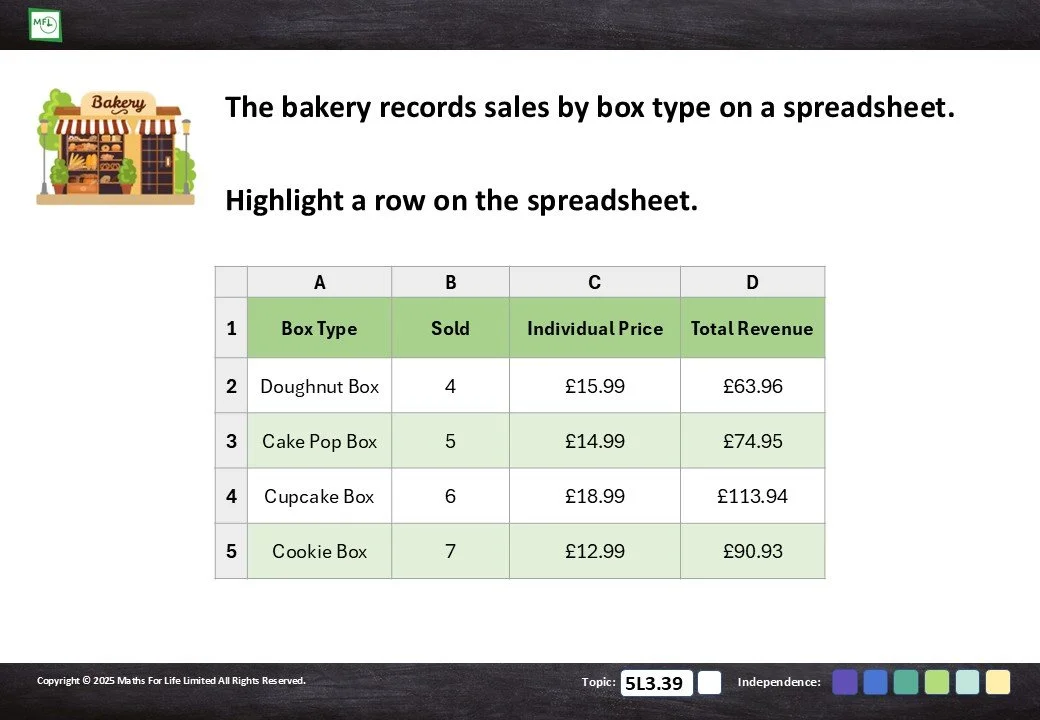
Identify cells, headings, rows and columns in a spreadsheet, the naming and location.
20 pages
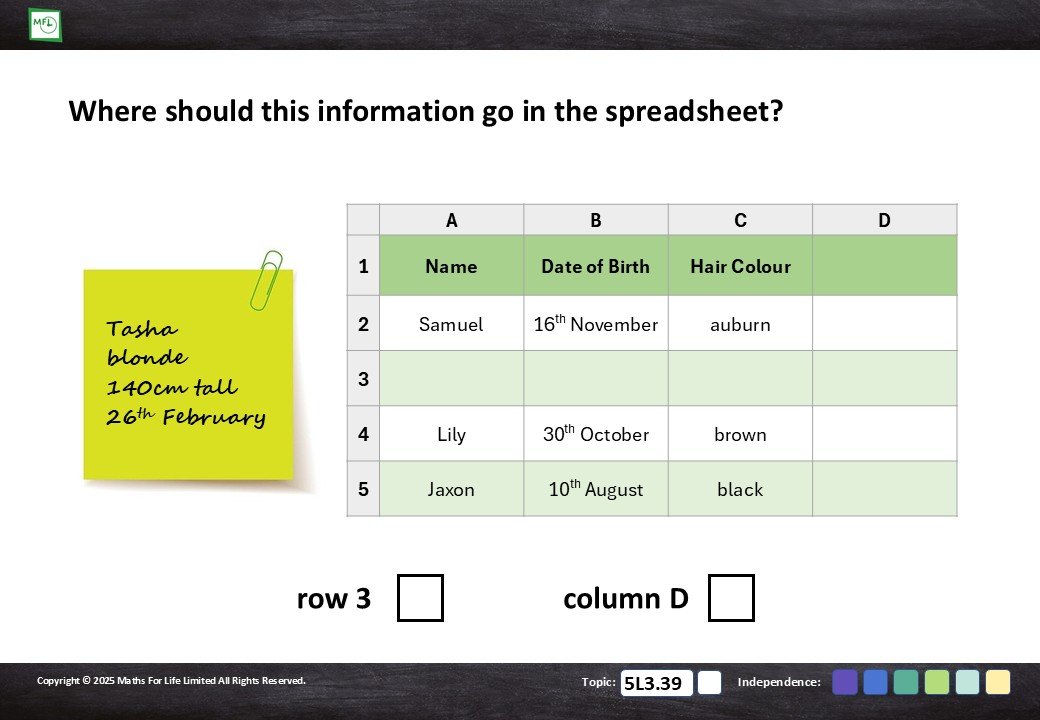
Identify the most appropriate location to input a piece of information into a spreadsheet.
18 pages
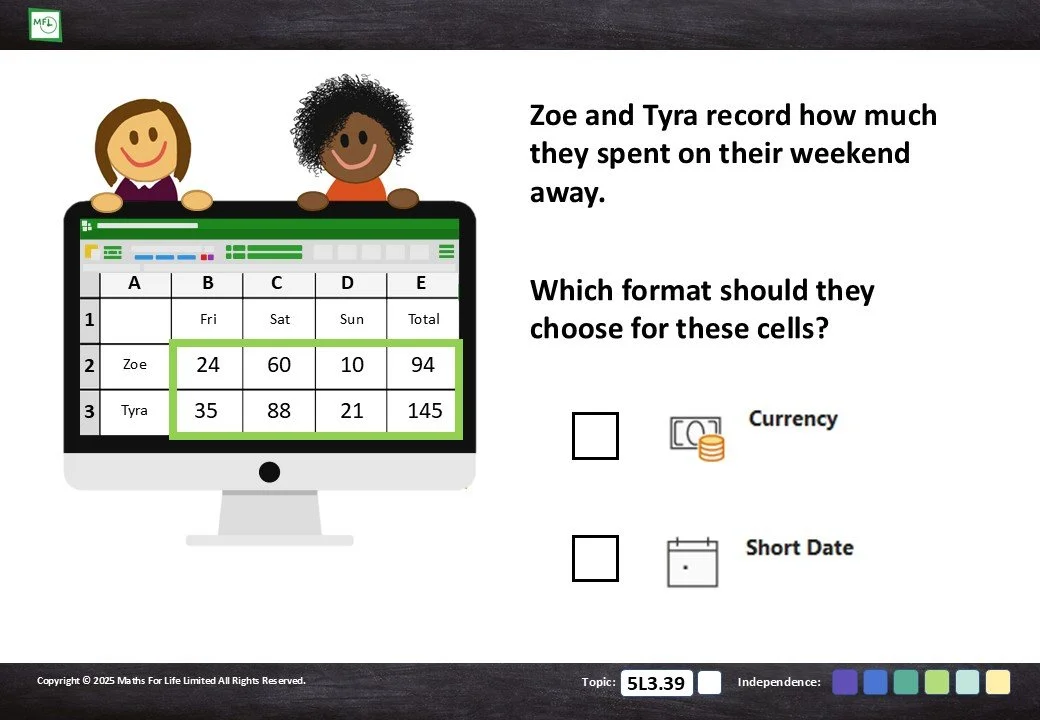
Select the most appropriate format for a cell given the information provided.
20 pages
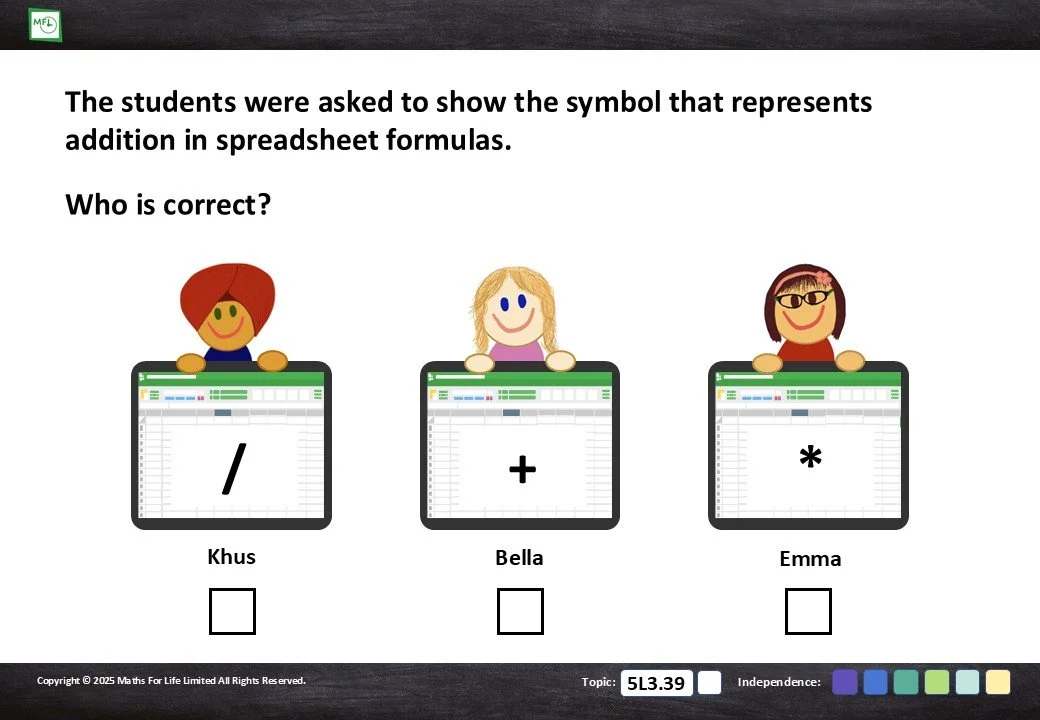
Learn the symbols used for calculations and how to create calculations on a spreadsheet.
32 pages
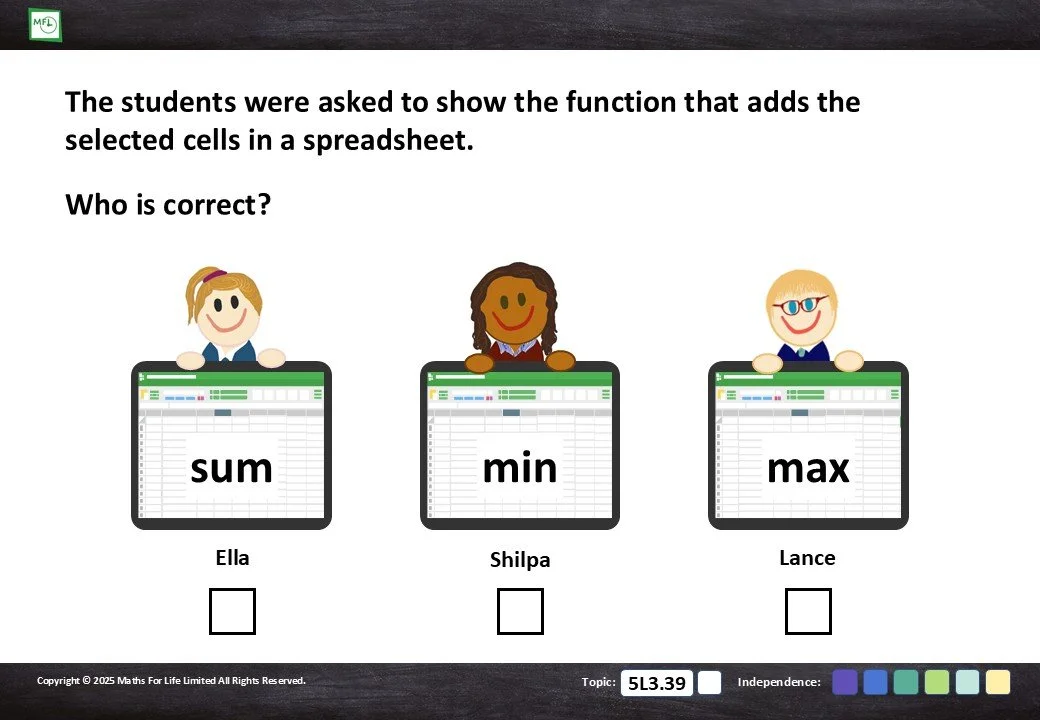
Learn how the different ‘Functions’ of a spreadsheet are used to do calculations.
15 pages
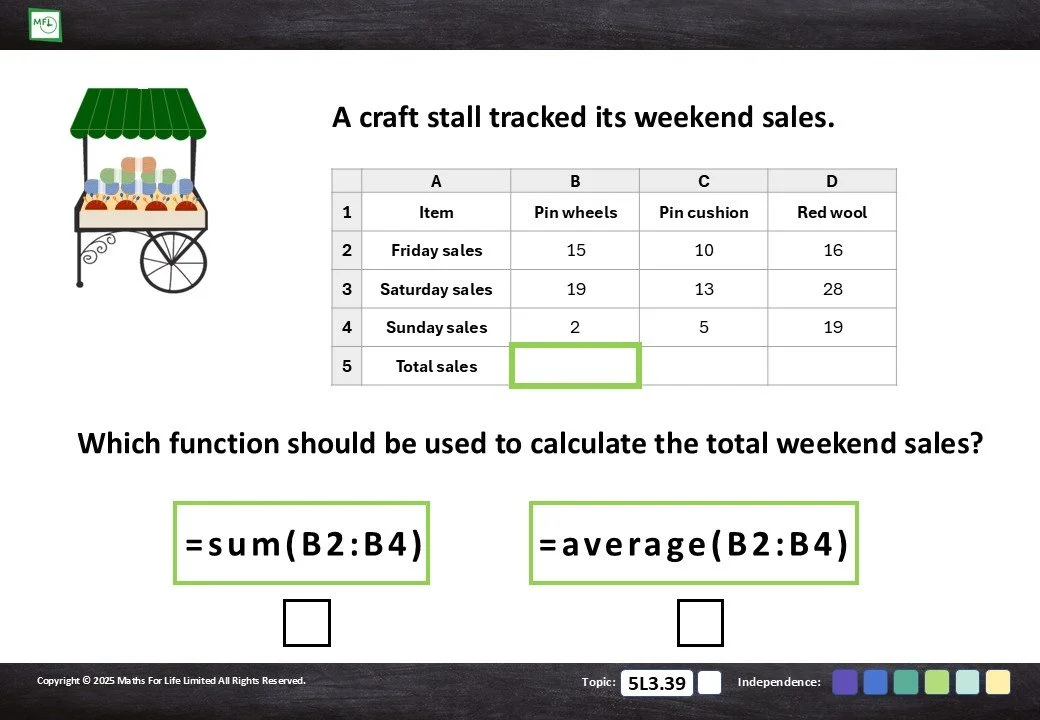
Learn how different ‘Formulas’ of a spreadsheet are used to do calculations.
30 pages
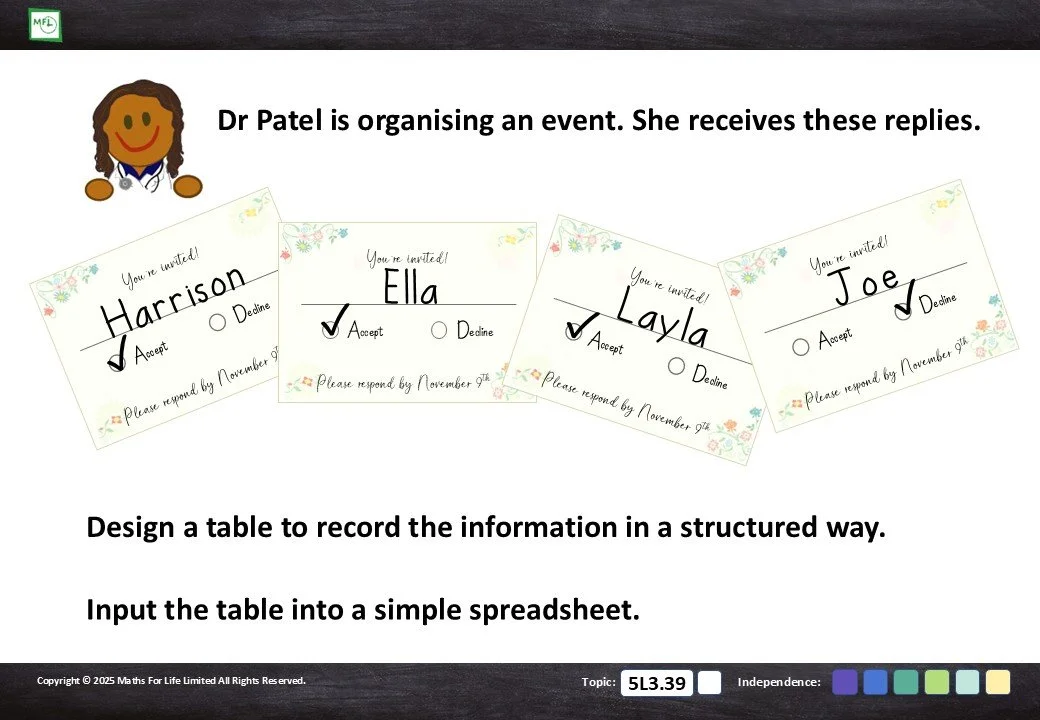
Create your own tables and spreadsheets from the vast range of data provided.
45 pages